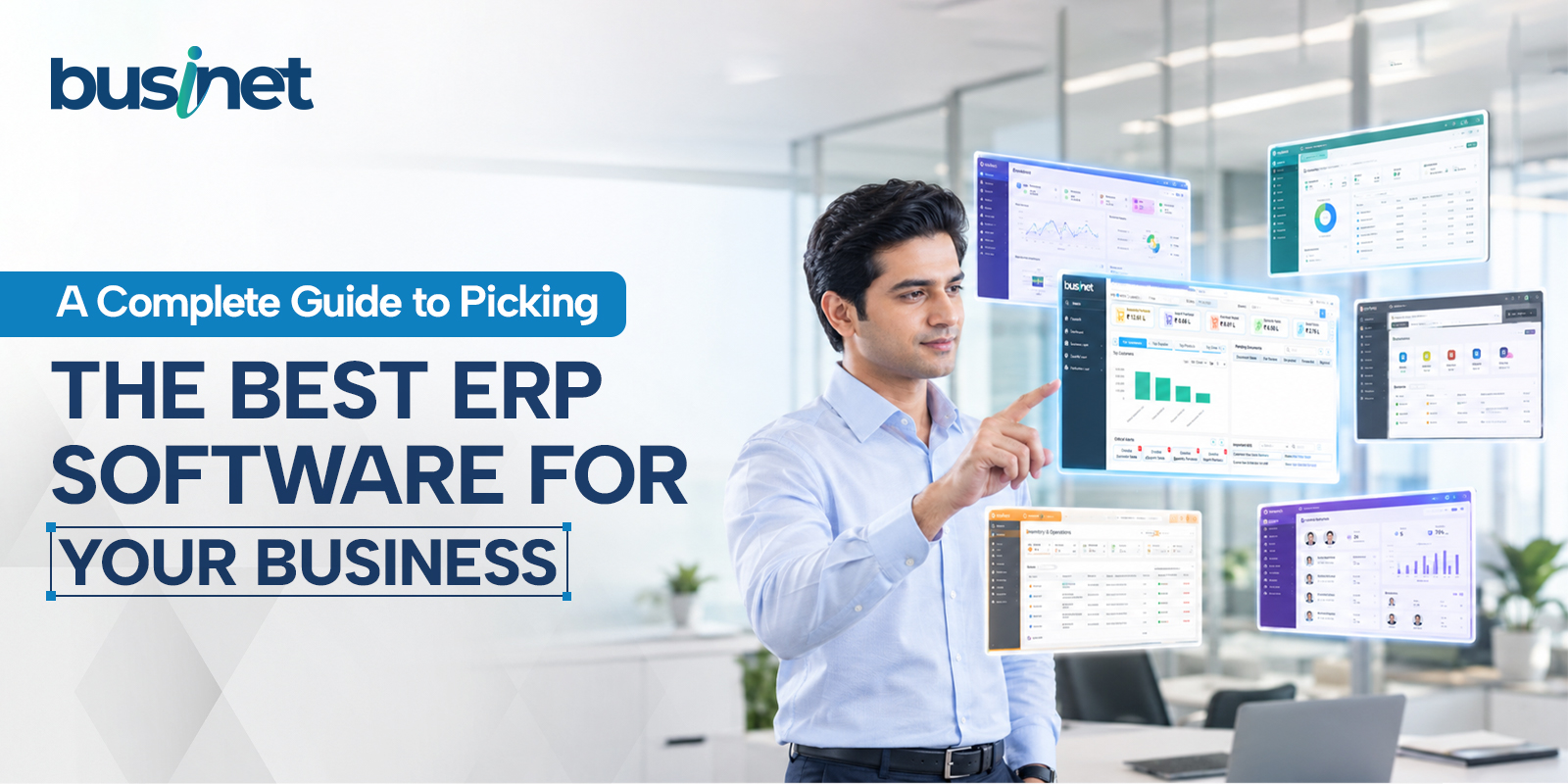
Research from McKinsey has found that roughly 70 percent of large-scale business transformations fail to meet their original goals. ERP rollouts sit among the most disruptive transformations a company can take on, and they tend to land at the harder end of that curve. The software is rarely the reason. It almost always comes down to the decision made before a single module was ever configured: which system, and why.
Choosing ERP software well means looking past feature checklists and vendor demos. A sound selection process examines functional fit, total cost of ownership, implementation risk, and how much long-term flexibility the platform gives the business. This guide sets out a vendor-neutral, step-by-step framework to help buying teams evaluate, shortlist, and select the best ERP software in India like Businet ERP that serves their operational and strategic goals.
Overview of ERP Software Systems
ERP stands for Enterprise Resource Planning software and brings every core business process and every piece of business data together in one place. It functions like a toolkit for the entire business, bringing core processes across departments into a single, unified system.
An ERP typically covers areas like finance, procurement, and supply chain. Because it works off real-time data, businesses can make smarter decisions, act faster, and run operations that hold together instead of pulling in different directions.
What is an ERP system?
Here are the key functions an ERP system typically handles:
- Centralised data management – Brings data from every part of the business into a single system
- Financial management – Handles accounting, budgeting, and financial reporting
- Supply chain management – Manages inventory, procurement, and logistics
- Order management – Processes and tracks orders
- Inventory management – Gives visibility and control over stock levels
- Project management – Helps plan, execute, and monitor projects
- Customer relationship management (CRM) – Manages customer interactions and sales activity
- Business intelligence and analytics – Provides easy-to-use tools for informed decisions
- Automation – Streamlines routine tasks, improving efficiency and cutting mistakes
- Reporting – Generates the financial, operational, and compliance reports the business needs
- Seamless integrations – Ensures the ERP works well with existing software
- Mobility – Lets the team work from anywhere
- User experience – Drives how readily employees adopt the system
5 Steps for Selecting the Right ERP System for Your Business
To choose the best ERP software in India for scalable, connected operations, follow a five-step selection process: define business needs, bring the right internal sponsors on board, evaluate options against the criteria that matter, vet the vendors behind those options, and make the final call.
1. Determine ERP needs
How can a company best figure out what it needs from a new ERP? Start by identifying where teams lose time, duplicate work, lack reliable data, or struggle to report accurately. Then compare those current challenges against future growth plans, compliance needs, and the areas of the business that need better visibility or automation.
Leaders can ask questions like these to surface pain points:
- Financial reporting. How do we get financial reporting that’s both accurate and timely?
- Analytics and data. How much visibility do we have into sales, production, and procurement?
- Automation. What processes, like job costing, sales orders, or supply chain management, are worth automating?
- User experience. How intuitive will the software be, and what will that mean for employee productivity?
- Mobile accessibility. Which users need real-time access in the field?
Decision-makers should also look at which parts of the organisation, be it finance, sales, or operations, need updating, and be honest about what they don’t yet know. If teams rely on disconnected systems, manual spreadsheets, duplicate data entry, or delayed reporting, those are signs the business needs an ERP. An ERP centralises information, reduces manual work, and supports faster decisions across departments.
2. Select internal sponsors
Build ownership and buy-in by appointing an internal sponsor from every area an ERP investment could affect, including:
- Accounting
- Inventory
- Order management
- Human resources
- Sales
Internal sponsors should be aligned with the bigger business goals, favour digital innovation, and be willing to be held accountable for adoption in their own departments. They also help clarify what to weigh when choosing an ERP, from department-specific workflows and reporting needs to training requirements, integration points, and how much change each team can realistically absorb. This takes time early on, but it saves time, resources, and frustration later.
3. Evaluate ERP options
There’s no shortage of ERP options, and narrowing the field to two or three can feel overwhelming. What should businesses weigh when selecting the right system? Industry fit, scalability, reporting capability, automation, integrations, customisation, mobile access, user experience, implementation support, and long-term vendor reliability all matter. The right ERP should support today’s operations while leaving room for the business to grow.
A few areas worth considering when narrowing the field:
- Industry experience. Which ERP vendors are widely used in our industry, and how deep is their expertise there?
- Customisations and applications. Does the platform allow additional applications to be built so it can be tailored to our organisation?
- Flexibility. How flexible does the software need to be now, and in the future?
- Reporting. How well does it support industry-specific compliance and reporting requirements?
A strong cloud-based ERP streamlines and automates business operations for better efficiency. Instead of relying on several disconnected applications across departments, everything can be managed from one place, which translates into cost savings, faster decisions, and room to grow without slowing down for a technology upgrade. This is especially true on the buying side, where procurement automation software can turn purchase requisitions, vendor approvals, and purchase orders into a single automated workflow instead of a chain of manual handoffs.
4. Sort through ERP vendor options
Once the field is narrowed to the top two or three vendors, the next step is finding one that delivers an effective, efficient implementation along with continuing support. Many vendors advertise a quick launch, but it’s worth examining every phase, from pre-launch through post-launch and ongoing support.
Some important factors to weigh when choosing an ERP vendor:
- Industry acumen. What level of industry insight does the vendor bring? Do they have specialists who understand our specific needs and goals?
- Customisation abilities. Can they customise and extend the system to meet our needs, or is it a cookie-cutter experience?
- Implementation know-how. Is the launch time frame realistic, or built mainly around hitting a date?
- Training offerings. What pre- and post-launch training is provided, and what other resources will help employees adjust smoothly?
- Support services. What does ongoing support and collaboration look like? Will it be the same consistent team who knows our organisation and its history?
When choosing an ERP system, the vendor relationship matters as much as the software itself. A strong vendor understands the industry, guides implementation, helps teams adopt the system, and provides ongoing support as needs change.
5. Select the vendor and ERP system
Once due diligence is done, the right internal team is in place, and the systems and vendors best suited to the business goals are identified, it’s time to decide. A few more questions are worth working through before signing anything.
- Reputation. Is the vendor and its solution well regarded in the market, and does that reputation hold up under scrutiny rather than just marketing polish?
- Experience. What level of experience does the vendor have, both with ERP generally and with businesses of a similar size and structure?
- Foresight. Will the vendor be able to anticipate problems before they happen, based on patterns they’ve seen across other implementations?
- Track record. How long has the vendor supported the selected ERP system, and what does that history say about their stability?
- Testimonials. Are there client testimonials from peers or competitors that speak to the vendor’s success, not just curated quotes on a website?
- Case studies. Are there case studies on the ERP solution that show how it performs in the real world, ideally in a similar industry?
Key Takeaway
For manufacturing and trading businesses in India, this entire selection process gets a lot simpler with an ERP built specifically for how these businesses operate. Businet is a web-based ERP covering inventory, procurement, production planning, sales and distribution, sub-contracting, and accounts and finance, backed by an approval-based mobile app and full GST, e-invoicing, and e-way bill compliance. Instead of stitching together separate tools for separate departments, Businet ERP brings everything into one connected system built around how Indian manufacturers and traders work. Explore it at businet.in.
FAQs
How does ERP selection influence long-term business success?
Selecting the best ERP software in India establishes a flexible digital foundation that connects operational data, automates repetitive processes, and speeds up decision-making. A well-chosen system scales alongside organisational growth.
What are the most critical technical considerations when selecting an ERP?
Beyond core functional fit, key technical considerations include architectural flexibility, API robustness and versioning, security certifications such as ISO 27001 and SOC 2, database scalability, disaster recovery guarantees, deployment flexibility, and open data portability.
How long does the ERP selection process typically take?
For medium to large organisations, a thorough, risk-mitigated selection process typically takes three to six months. This gives adequate time to document requirements, run scripted scenario demonstrations, build proofs-of-concept for high-risk requirements, model multi-year total cost of ownership, and complete commercial negotiations.
How long does ERP implementation typically take?
Implementation timelines depend heavily on deployment scope, system complexity, and architecture. Monolithic or heavy on-premise ERP typically takes twelve to twenty-four months due to extensive customization, complex infrastructure setup, and high-risk cutover processes. Cloud or modular ERP can be deployed incrementally, in phased iterations, over four to nine months.