A missing batch of raw material, an unplanned machine breakdown or a purchase invoice stuck in approval can quickly disrupt an entire manufacturing operation. When production, inventory, procurement and finance work on separate systems, teams often spend more time checking spreadsheets and reconciling data than managing the shop floor.
Industry research has found that 73% of discrete manufacturing ERP deployments fail to meet their main goals, often because of poor system fit, weak implementation or inadequate data management.
This is why choosing the right production ERP software is a business decision. A manufacturing ERP should give production managers a clear view of what is happening on the shop floor while helping management track costs, stock and performance.
For Indian manufacturers, the system should also support practical requirements such as GST, e-invoicing, e-way bills, multiple branches and approval-based workflows. Whether the business handles discrete assembly, process manufacturing or a combination of both, the right ERP can replace fragmented processes with a connected production workflow.
What Should Production ERP Software Actually Do?
A production ERP should give managers a clear view of what is happening on the shop floor and across connected departments. It should not force teams to enter the same information into several systems.
For example, when a sales order requires 5,000 components, the system should help the production team check the relevant BOM, assess available raw materials, identify shortages, raise purchase requirements, and calculate production costs. Once production starts, consumption and output should update the relevant records.
This connected approach is particularly useful for Indian businesses dealing with GST, e-invoicing, e-way bills, multiple branches, subcontracting, and different manufacturing models.
The system should also support both discrete and process manufacturing where required. A business making individual engineering components has different requirements from a business producing chemicals, rubber compounds, or processed food.
Key Features to Look for in a Manufacturing ERP
A manufacturing ERP should connect production planning, inventory, procurement, quality and costing in one system. Here are the key features to look for when choosing an ERP that can support smoother operations and long-term manufacturing growth.
1. Production Planning Based on BOM and Material Availability
A Bill of Materials (BOM) defines the raw materials, components and quantities required to manufacture a product. A manufacturing ERP should connect the BOM with current stock, production capacity and planned orders, helping teams identify material gaps before production starts.
For example, a furniture manufacturer may use different BOMs for the same table based on wood grade, dimensions and finish. The ERP should calculate the material requirement for each version, compare it with available stock and alert the team about shortages. This allows procurement to act early and prevents production schedules from being disrupted.
2. Real-Time Inventory and Batch Visibility
Accurate inventory information is essential for keeping production on schedule. The ERP should provide real-time visibility across warehouses, branches and head offices, with features such as batch tracking, stock ageing, inventory valuation and location-wise availability.
For example, if 500 kg of a required raw material is available at another branch, the production team can arrange an internal transfer instead of raising a fresh purchase order.
Similarly, batch-level tracking can help identify older stock and support better material utilisation. This keeps inventory under control while reducing avoidable purchasing and production delays.
3. Integrated Procurement and Vendor Control
Production stays on schedule when procurement teams know exactly what materials are required and when they are needed. A manufacturing ERP should connect purchase planning with BOM requirements, production orders and current inventory levels, helping teams avoid both shortages and unnecessary purchases.
This gives procurement teams a clear view of pending orders, delivered quantities and outstanding requirements. Vendor management software can further simplify supplier control by keeping vendor details, purchase history, delivery records and transaction data in one place. For import purchases, the ERP should also record third-party charges, freight and other additional costs so businesses can calculate the actual landed cost of materials more accurately.
4. Production Costing and Consumption Tracking
Knowing how much a product costs is as important as knowing how many units were produced. The ERP should track raw material consumption, production costs, and output. It should help compare expected consumption with actual consumption and identify production variances.
For example, if a production order estimates ₹4.8 lakh in raw materials but actual consumption reaches ₹5.2 lakh, management should be able to drill down into the difference. This can reveal wastage, price changes, excess consumption, or incorrect BOM quantities.
5. Quality Checks Within Production Workflows
Quality should not remain a separate activity at the end of production. The ERP should allow quality checks at relevant stages.
Businesses can define inspection requirements for incoming materials, work-in-progress and finished goods. Production records can then reflect whether a batch has passed, failed or requires corrective action. This is especially useful for manufacturers where product quality depends on specific measurements, formulations or process conditions.
6. Subcontracting and Outsourced Production Tracking
Many manufacturers outsource processes such as machining, coating, heat treatment, fabrication or assembly. The ERP should provide visibility over these external activities.
The system should record materials sent to subcontractors, job orders issued, quantities received, and related billing. This ensures outsourced work remains connected to the original production requirement.
Without this visibility, businesses can struggle to identify where materials are located or whether an external process is affecting delivery timelines.
7. Plant Maintenance and Equipment Alerts
Production output depends on equipment availability. A manufacturing ERP should therefore include preventive maintenance schedules, service records, and maintenance alerts.
For instance, if a CNC machine requires scheduled servicing after a specific operating period, the system can help the maintenance team plan the activity before an unexpected breakdown occurs.
This approach helps reduce avoidable downtime and keeps maintenance history available for future planning.
8. Approval-Based Workflows and Mobile Access
Manufacturing businesses often involve several approval stages. Purchase requests, production orders, discounts, stock transfers, and payments may require approval from different managers.
Multi-level workflows can route these requests to the right person automatically. An approval-based mobile app can also allow managers to review and approve requests while they are away from their desks. This becomes particularly useful for companies with multiple branches and head offices.
9. Drill-Down MIS Reports and Management Dashboards
Production managers should not have to wait until month-end to understand performance.
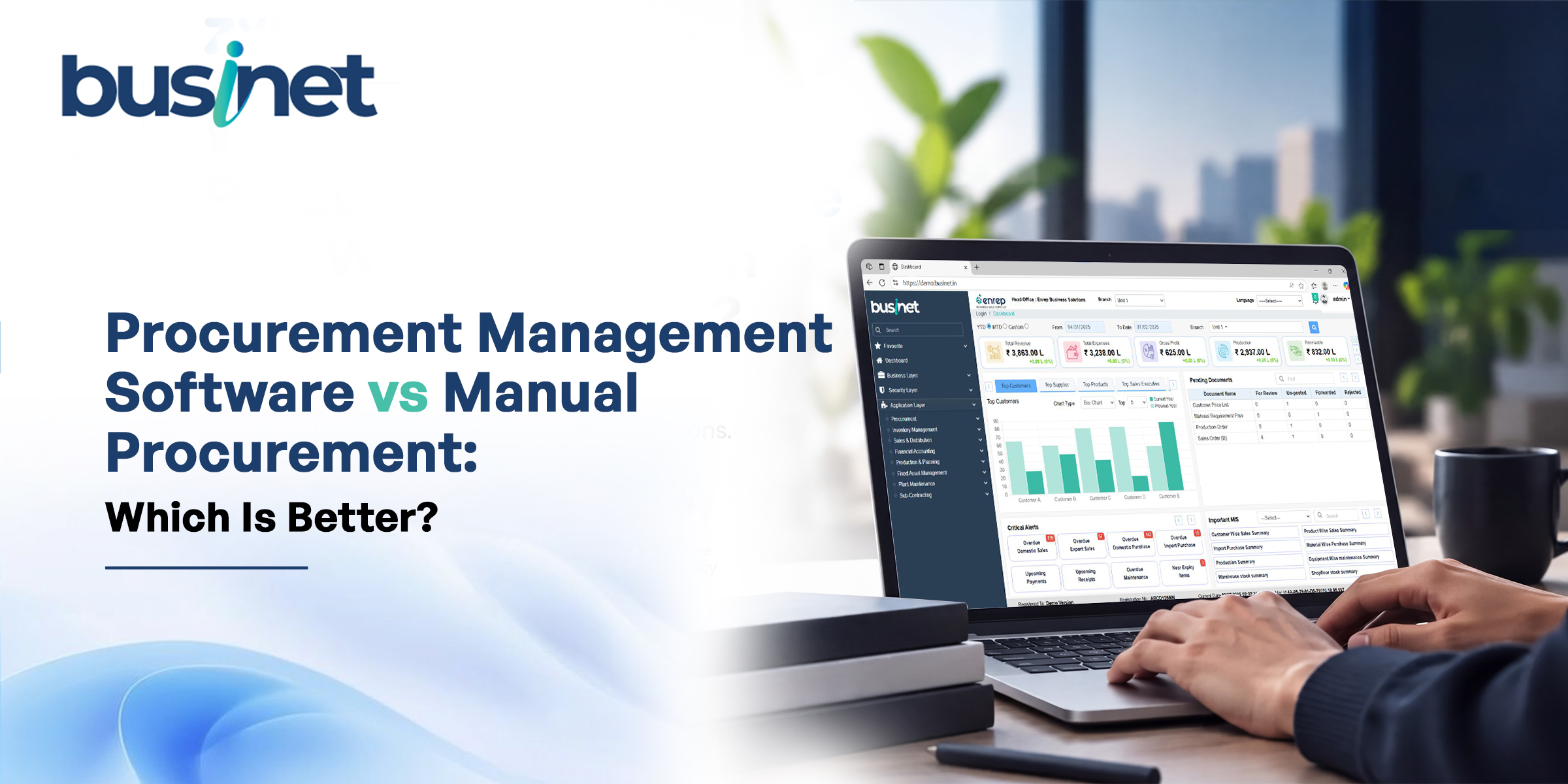
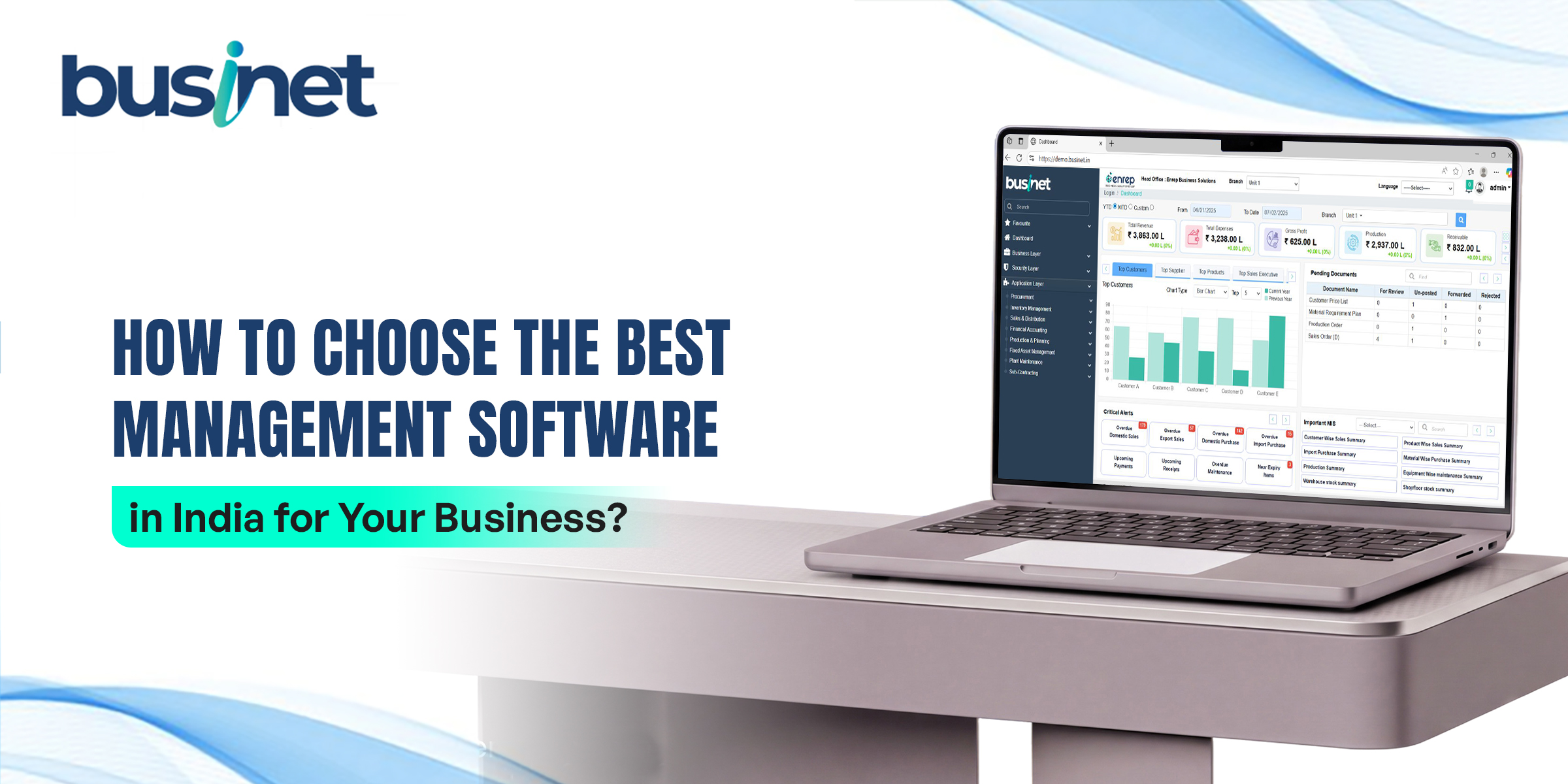
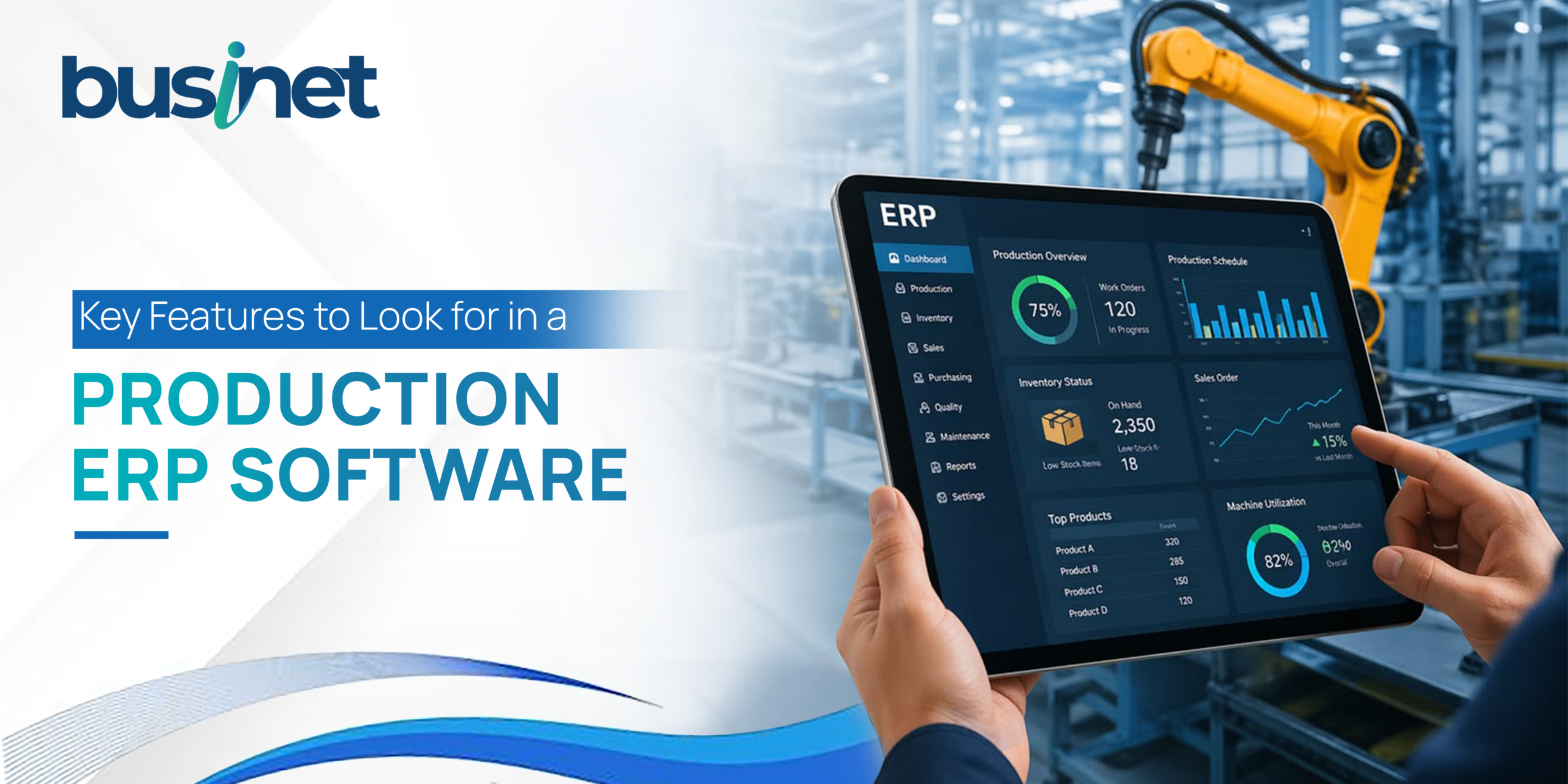
A central dashboard should provide information such as production output, material consumption, inventory position, purchase status, sales performance and production costs. Drill-down reporting should then allow managers to move from a high-level number to the underlying transaction.
For example, if production costs have increased by 8%, the manager should be able to investigate which product, batch, material or transaction caused the increase.
10. GST, Finance and Business Integration
Production does not operate independently from finance. The ERP should connect manufacturing transactions with accounts and statutory requirements. Integrated GST functionality, e-invoicing, e-way bills, bookkeeping, reconciliations, P&L reporting and payment processes can reduce duplicate data entry.
The right ERP software for small businesses should provide the controls needed for growth without making everyday transactions unnecessarily complicated.
Final Thoughts
The best ERP for manufacturing is the one that fits your production processes and gives every department reliable information.
Before choosing a system, test how it handles your actual BOMs, material consumption, production orders, quality checks, subcontracting and costing. Ask for a demonstration using a real business scenario rather than a generic presentation.
A well-connected ERP can turn scattered production data into practical business visibility. That can help manufacturers control costs, reduce delays, manage inventory better and make decisions with greater confidence.
Looking for an ERP that fits the needs of Indian manufacturing and trading businesses? Businet ERP software connects production, inventory, procurement, finance and day-to-day operations on one platform. Book a personalised demo today to see how our ERP software solutions can simplify your workflows, improve operational visibility and support your business as it grows.
Frequently Asked Questions
1. What is a production ERP system?
A production ERP system connects manufacturing activities with inventory, procurement, sales, finance and other business functions. It helps businesses plan production, manage BOMs, track material consumption and monitor costs.
2. Why is BOM management important in manufacturing ERP?
BOM management defines the materials and quantities required to manufacture a product. Accurate BOMs help businesses plan purchases, control consumption, calculate costs and maintain consistent production.
3. Can ERP software manage subcontracting?
Yes. A manufacturing ERP can track materials sent to subcontractors, job orders, quantities received, pending materials and associated billing.
4. Is mobile approval useful for manufacturing businesses?
Yes. Mobile approval allows authorised managers to review and approve requests while away from their desks. This can reduce delays in procurement, production and other workflows.
5. What should manufacturers check before buying ERP software?
Manufacturers should check BOM management, production planning, inventory tracking, quality control, costing, procurement, subcontracting, maintenance, MIS reports, GST integration, security and mobile access. The system should also support the company’s manufacturing model and future growth.